Tags
Apple, mac, macos, tech, technology
Macs, Apple stuff, almost exclusively. This is a bit like the ‘Where do you buy your groceries?’ question – Lidl is the answer to that one; Lidl, apart from the things that they don’t sell like zero sugar syrop (French squash) which comes from a Grande Surface giant supermarket somewhere, and that nice chopped peppers and goat cheese dip they do in the little supermarket at Carnon. And bread, which mostly comes from the nearest boulangerie, or occasionally from Ebiopi in Crespian who make the most delicious sourdough bread.
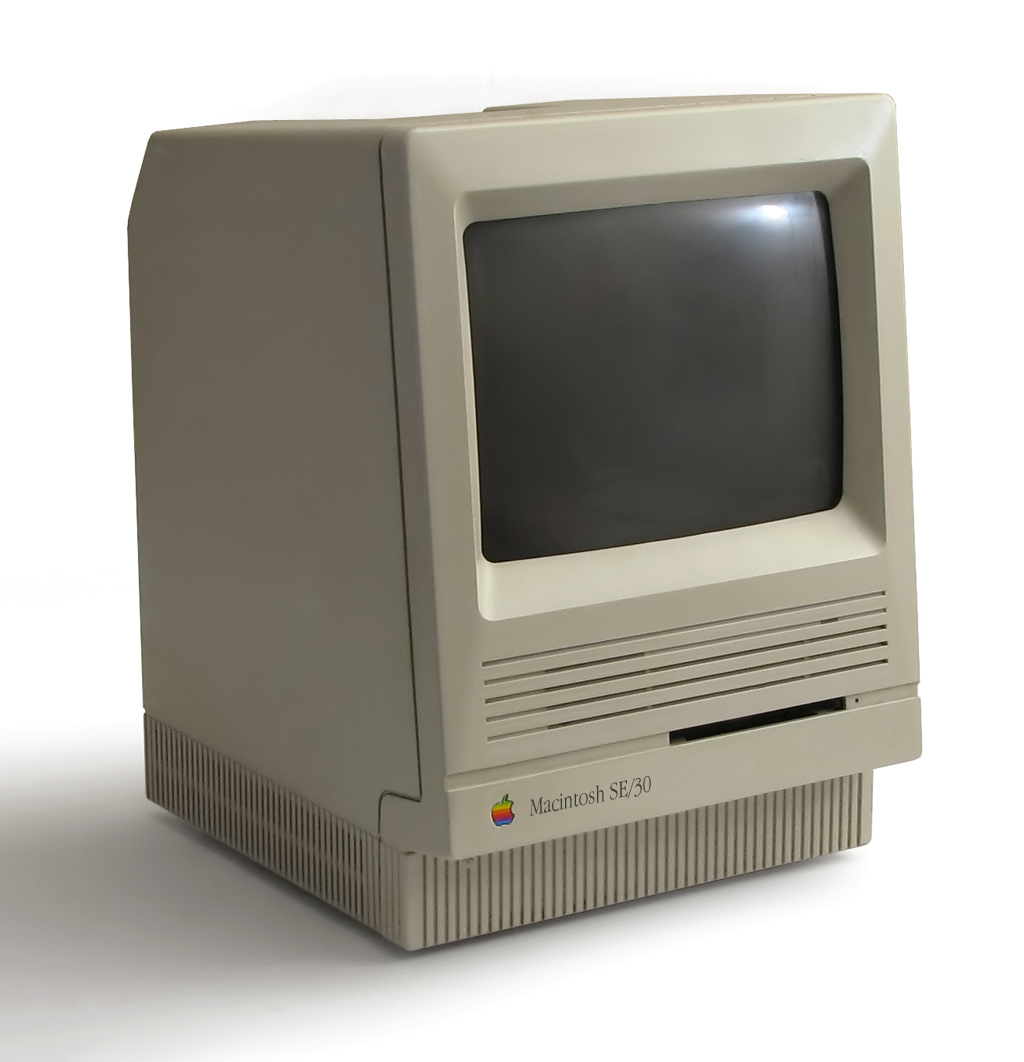
I used a Mac back in the day, an SE/30, but then I didn’t have to pay for it; I bought my own first Macbook in 2006 with my profits from one of my first divorces. I bought it because I needed a new laptop and, having had Toshiba Satellites for a long time, tried to buy another one. It proved to be impossible; well, impossible to get one with a British keyboard, English UK Windows OS and a French plug on the end of its power lead. It was fairly easy to get any two of these three, but not all together. None of the major laptop vendors at the time had this available in France – Dell, Lenovo, Toshiba, HP, no one.
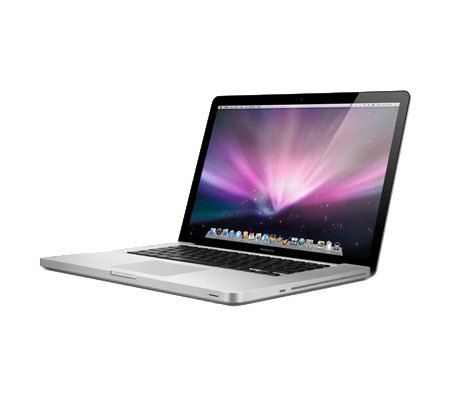
So I looked at the Apple website and, hey presto, you can have these things in any combination you like including the 17 inch MacBook Pro (upgraded to three – count ’em! – GigaBytes of memory and a 160 GB HD), and I’ve been buying them there ever since. English OS, English keyboard, French plug. Other manufacturers may now offer this choice but I don’t care, I’m deeply into the Apple ecosystem now and have no intention of leaving.
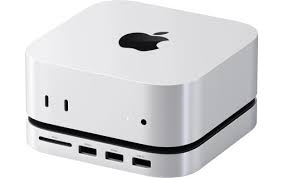
In fact, I run three Macs these days; newest is an M4 Pro Mini with 48 Gigabytes of RAM and a 1 Terabyte SSD and a number of external Samsung T7 and T9 external SSDs plugged in. I’ve also just added a Satechi base with another Samsung SSD inside it. You can never have enough storage.
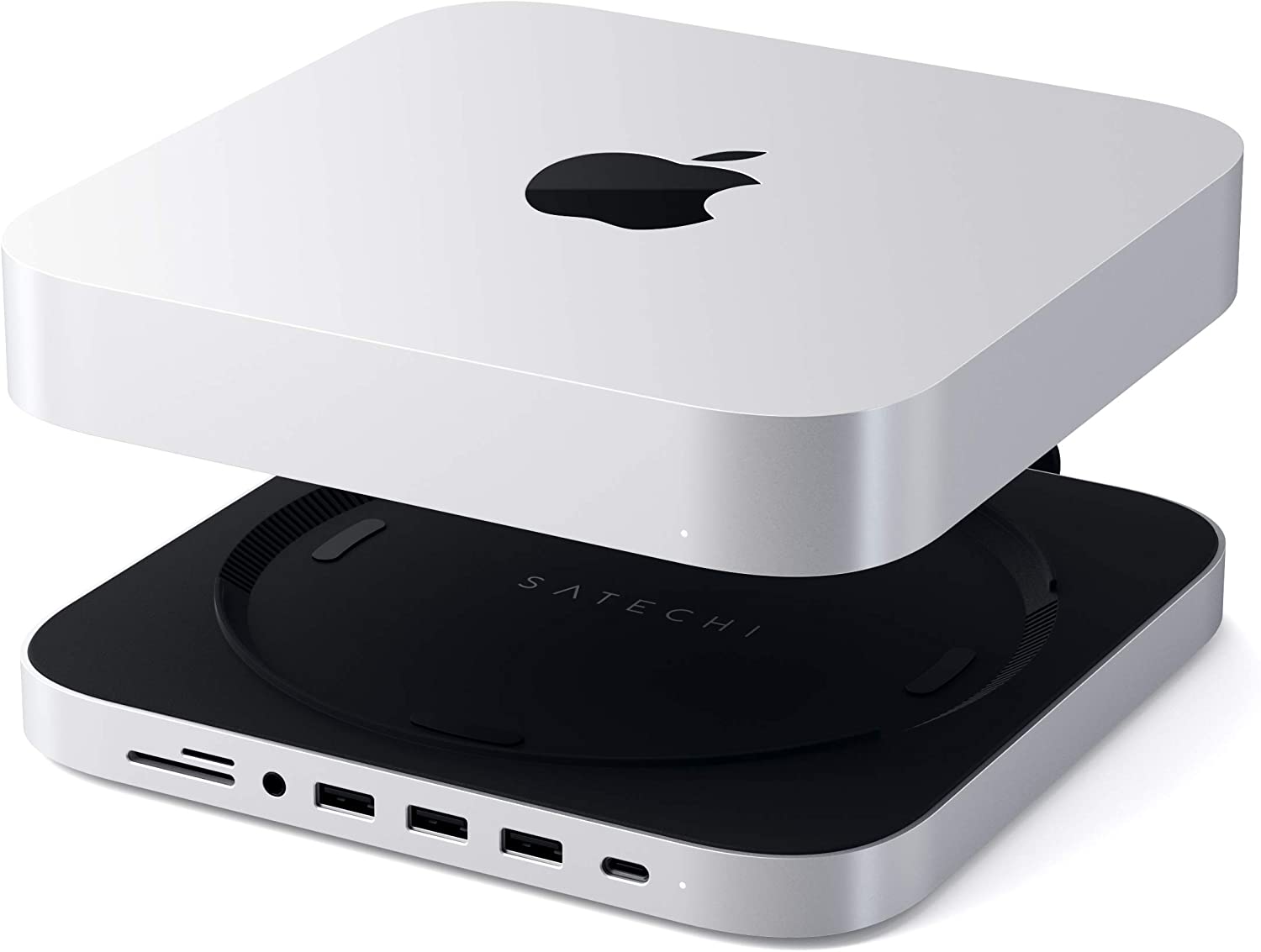
I have a studio down at the seaside south of Montpellier where I usually work, and there is my old M1 Mini with 16 Gigabytes of RAM and it is still going marvellously. I didn’t really need to upgrade to the M4 Pro but hey, technology.

And when I go teaching I take an M2 MacBook Air with 24 GB of RAM; I am not (very) tempted to upgrade this one yet.
I also have a 13″ M4 iPad Pro, with 512 GB of storage.

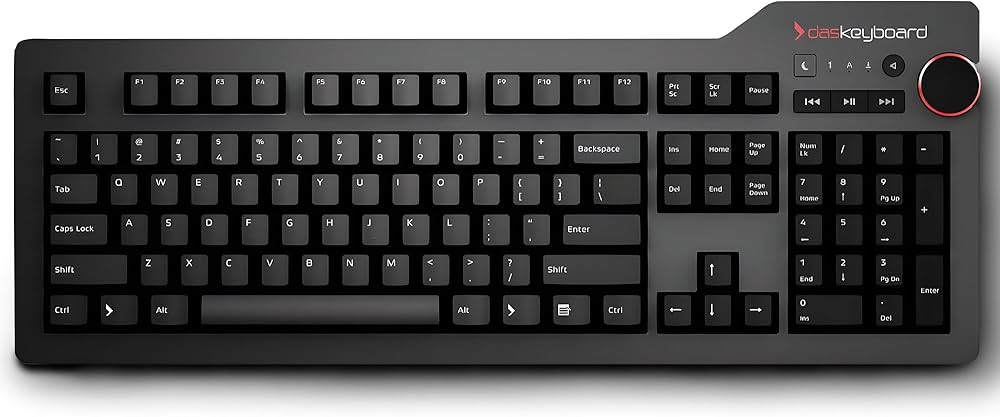
The two Mac desktops have the same mechanical wired DasKeyboard, heavy, sturdy, clicky, made of metal and strong German stuff. Very delightful.
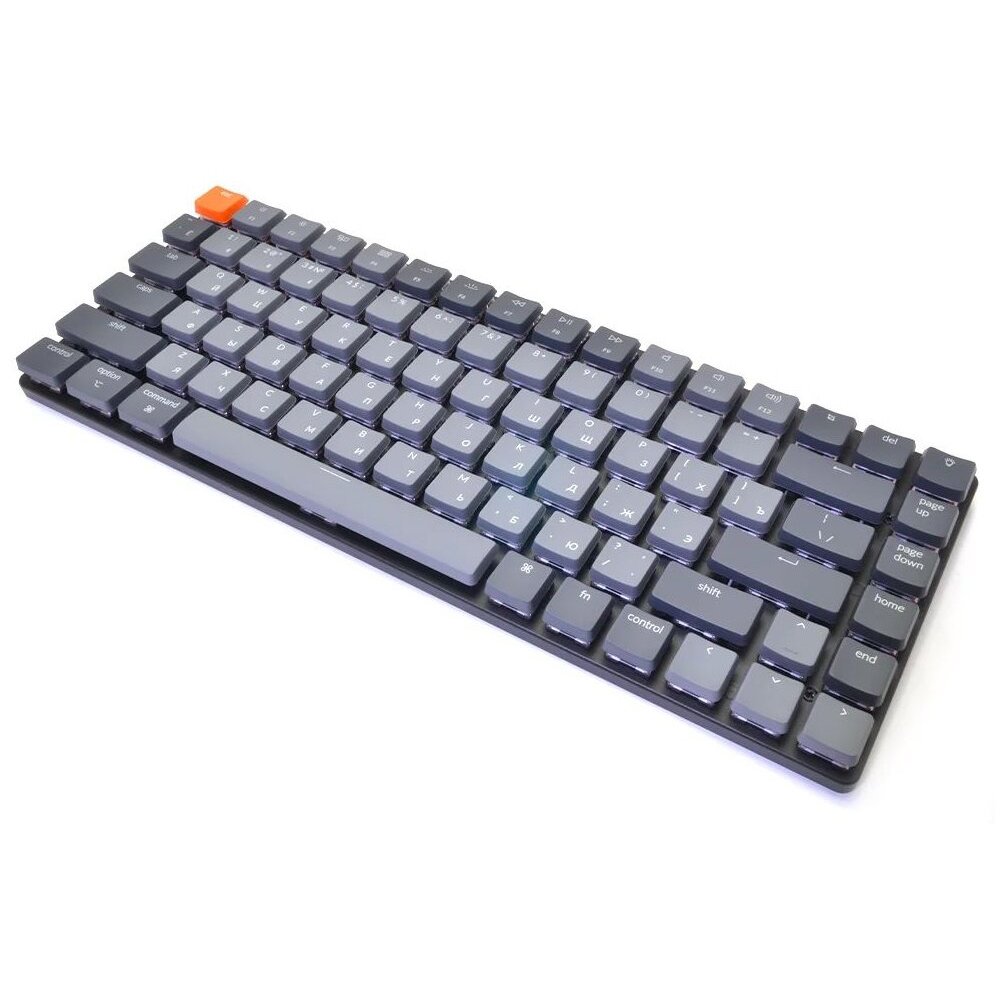
With the iPad I use Keychron K3A3 bluetooth keyboard – again, clicky, heavy, delightful. The MacBook Air has its own built-in keyboard, obv, which is fine but I keep brushing the touchpad with my left thumb and leaping all over whatever document or web page I’m trying to write in/on.
For external screens I have two Dell 4K monitors attached to the M4 Pro and one Dell 4K attached to the M1 at the seaside. I upgraded everything to decent 4K monitors last year to have better legibility of type, as I’m trying to take my writing seriously these days and text on a 1024 monitor isn’t lovely to look at.
And for speakers I have various small and large HomePods around the flats, although on one of my desks I have a giant pair of Edifier Monitor speakers, the MR4 model; I had small Edifier computer speakers for years which I thought to be excellent, and they were, but then the cables started going and I got fed up remaking them and Amazon had these on sale and, at under a hundred euros, they’re absolutely stunning. I listen to music much to loudly now using them.
Speaking of writing, I’m writing my latest novel in Scrivener, which is great but also frustrating. It won’t/can’t work with iCloud storage to share files between my Macs and my iPad, so I have to use Dropbox, and that doesn’t always sync as I think it should; basically, you have to make sure you’ve always saved and closed Scrivener on one machine before opening the same story elsewhere, and even then it sometimes demands that you open a copy rather than the original on the grounds that it looks like it’s open somewhere else. I use Maestral for synching rather than Dropbox’s own client which is simply ridiculous.
Scrivener does have an automatic backup feature and I’ve been spelunking through it on a number of occasions to find a lost chapter, but it’s not satisfactory. I’ve tried to understand the reasoning behind not being able to use iCloud, but have failed several times. There you go.
I teach in four private universities around Montpellier who mostly use versions of the Moodle education software. I used to hate Moodle, now I just dislike it. It’s cumbersome and faintly ridiculous and always feels like you’re trying to manoeuvre a too-large sofa up a stairwell when you’re trying to get it to do something simple like set a test or upload a document.
When I get a choice I put documents into a Dropbox folder and use Bitly to make a suitable shortcut for my students to access it. It’s much simpler to simply drag and drop documents from one desktop folder to another than mess around with logins and whatever.
Schools also force me to use Microsoft Teams, which is like trying to carry a large chest of drawers with lots of secret compartments upstairs on your own. There are too many hidden places where students can hide documents, and using it for four different schools is a nightmare. It was a real problem a year or two ago when they all started using it, but now I’ve worked out that if I give each school a different e-mail address, that makes it much easier. Top tip, that.
I teach English to students studying computing and business, sometimes both at the same time, and some of them are very clever; I did a fantastic class last week with a dozen Cybersecurity Masters students who taught me all about OSINT, instead of the other way around. Very good week. A surprising number of them use MacBooks too, when they have a choice.

I have an iPhone, a regular 15 with 256 GB of storage, 73.7 GB currently free. And a Series 9 Apple Watch too. And AirPods Pro II. And two Apple TVs 4K.
Other accessories like cables and chargers and batteries tend to be from Anker, who are pretty good – I’ve had no problems with any of their stuff, touch wood.

I’ve recently (in the past couple of years) started getting into Photography with a capital P again; back in the day I used a Canon A1 but hadn’t used anything other than an iPhone camera since they came out nearly 20 years ago, so I bought a Canon Eos 2000D and a few lenses. Then a few more lenses, discovering that I really like the wide-angle landscape end of the spectrum these days; I mostly don’t like people much, especially not taking photos of them (unless it’s my daughters). I bought a 6D MkII which is bigger, a full-frame camera and it takes absolutely wonderfully crisp pictures. My 2000D is now in England with my art student daughter and a selection of its lenses.
Apart from Scrivener I use many of Apple’s built-in apps; iCal, Photos, Notes, Pages, Music; for podcasts I use Marco Arment’s Overcast and my RSS reader is, a recent one this, NetNewsWire; I used to use Feedly but they made some changes which I didn’t like, and I can get email newsletters sent to NetNewsWire, so that’s the current choice. I use Carrot Weather on my iPhone and in the car on my new CarPlay screen, and Weather Dock on my Macs to find out if there’s going to be any rain or wind, the two downsides of living in the South of France.
I have lots of ripped DVDs in my Plex server which runs on the M4 Pro Mini now, I use John Siracusa’s Hypercritical to recover disc space, CopyClip 2 clipboard manager, Hazel for moving files around auto-magically, EjectBar for ejecting discs, CarbonCopyCloner for cloning discs and Airfoil and SoundSource because Apple computers, apparently, can’t remember that you want to play sound from your Apple Macintosh computer to Apple HomePod speakers on a regular basis.
 mostxlnt.com